Computer memory is the component that stores data and instrucions for processing.
1. What is Computer Memory?
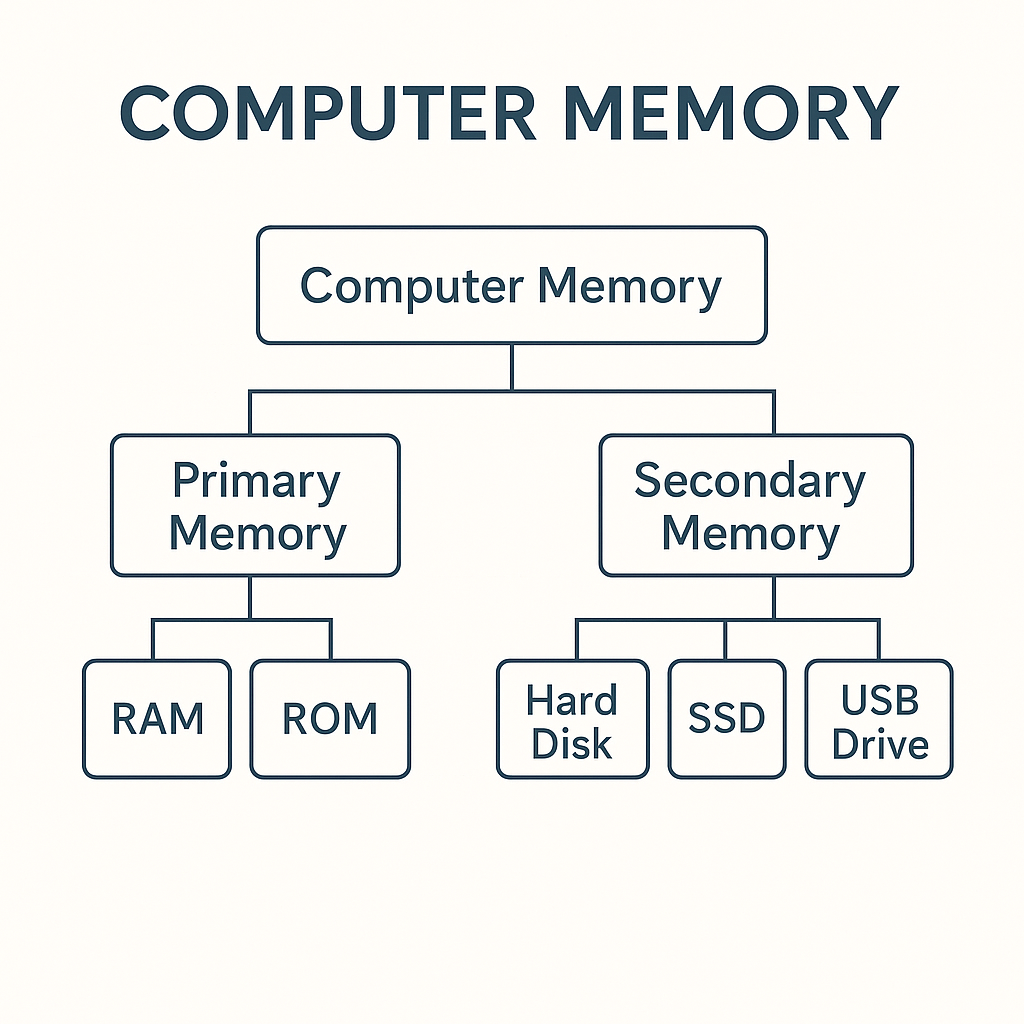
2. Types of Memory
- Primary Memory (Main Memory)
- Secondary Memory (Permanent Storage)
3. Primary Memory
- RAM (Random Access Memory)
- Volatile Memory
- Used for temporary storage
- Faster than ROM
- ROM (Read Only Memory)
- Non-volatile memory
- Stores boot instructions
- Data does not change easily
Important: RAM is Volatile, ROM is non-volatile.
4. Secondary Meomory
Secondary memory is permanent storage to store data for long term.
- HDD - Hard Disk Drive
- SSD - Solid State Drive(Fastest)
- Pen Drive
- CD / DVD
- Memory Card
5. HDD vs SSD (Very Important)
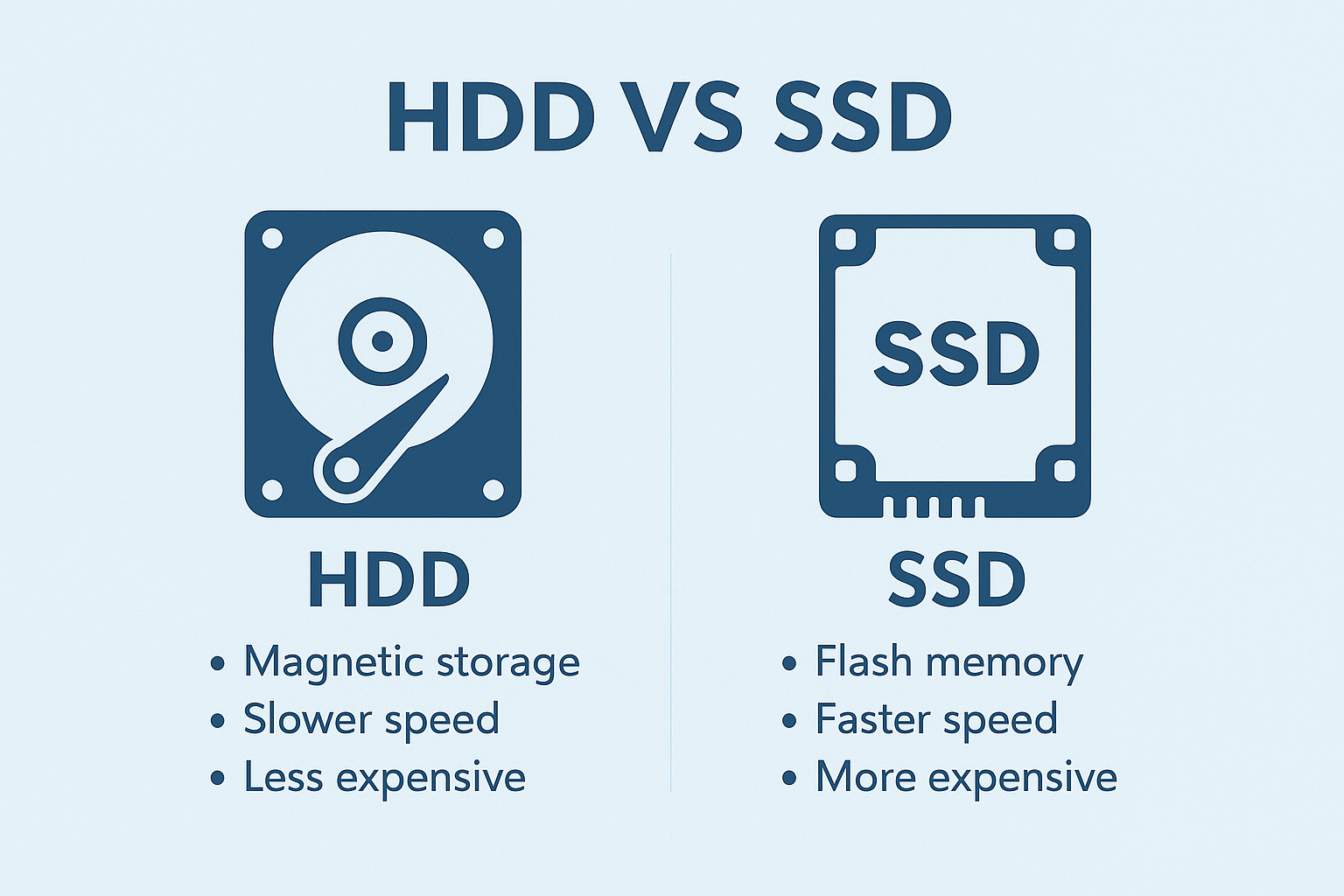
| HDD | SSD |
|---|---|
| Slow Speed | Very fast |
| Uses magnetic platters | Uses flash memory |
| Cheap | Expensive |
| More heat | Less heat |
| Moving parts | No moving parts |
6. Units of Memory
- 1 KB = 1024 Bytes
- 1 MB = 1024 KB
- 1 GB = 1024 MB
- 1 TB = 1024 GB
Important for exam: 1 KB = 1024 Bytes
7. Cache Memory
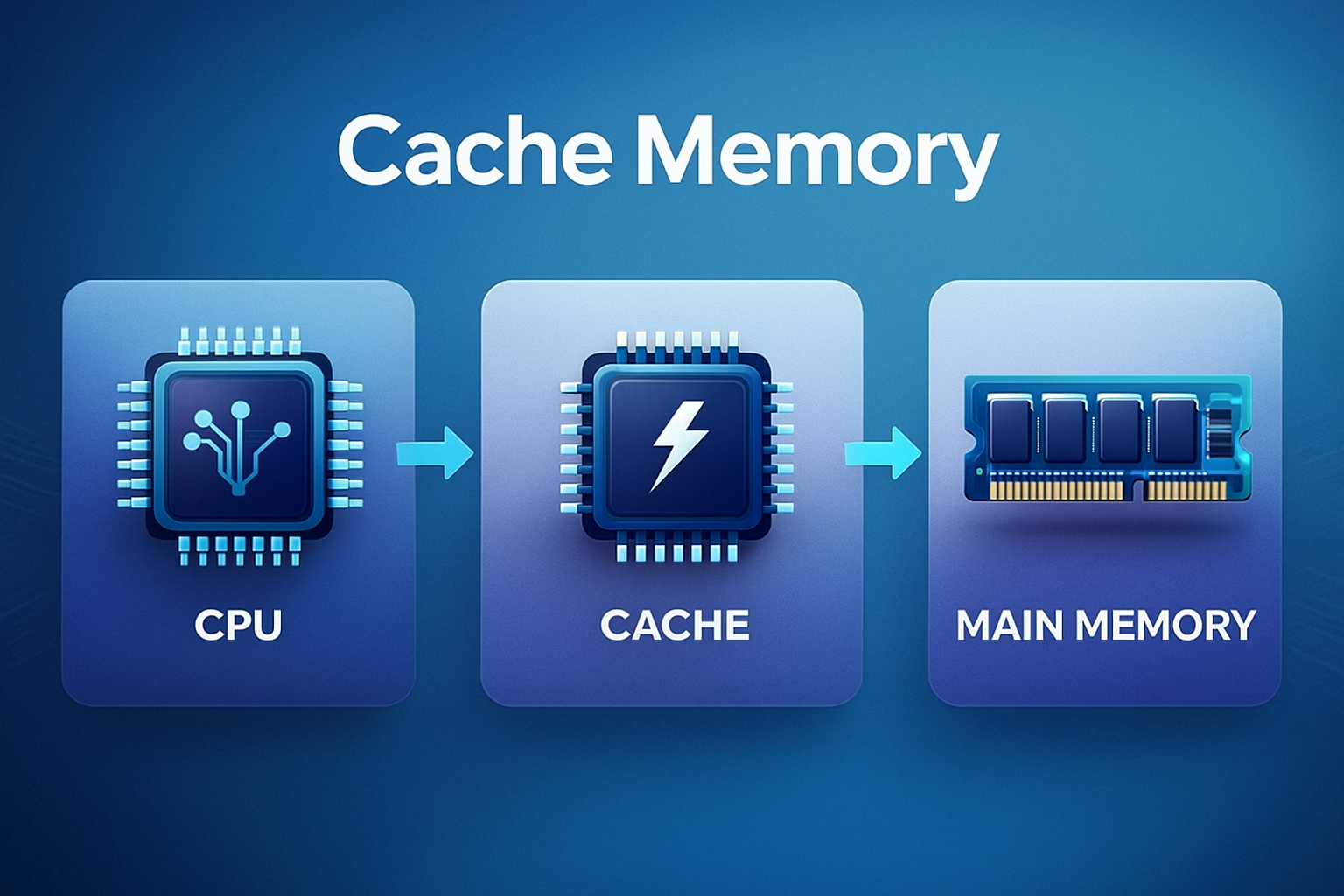
Cache is a very fast memory located inside the CPU to speed up processing.
Faster than RAM
8. Virtual Memory
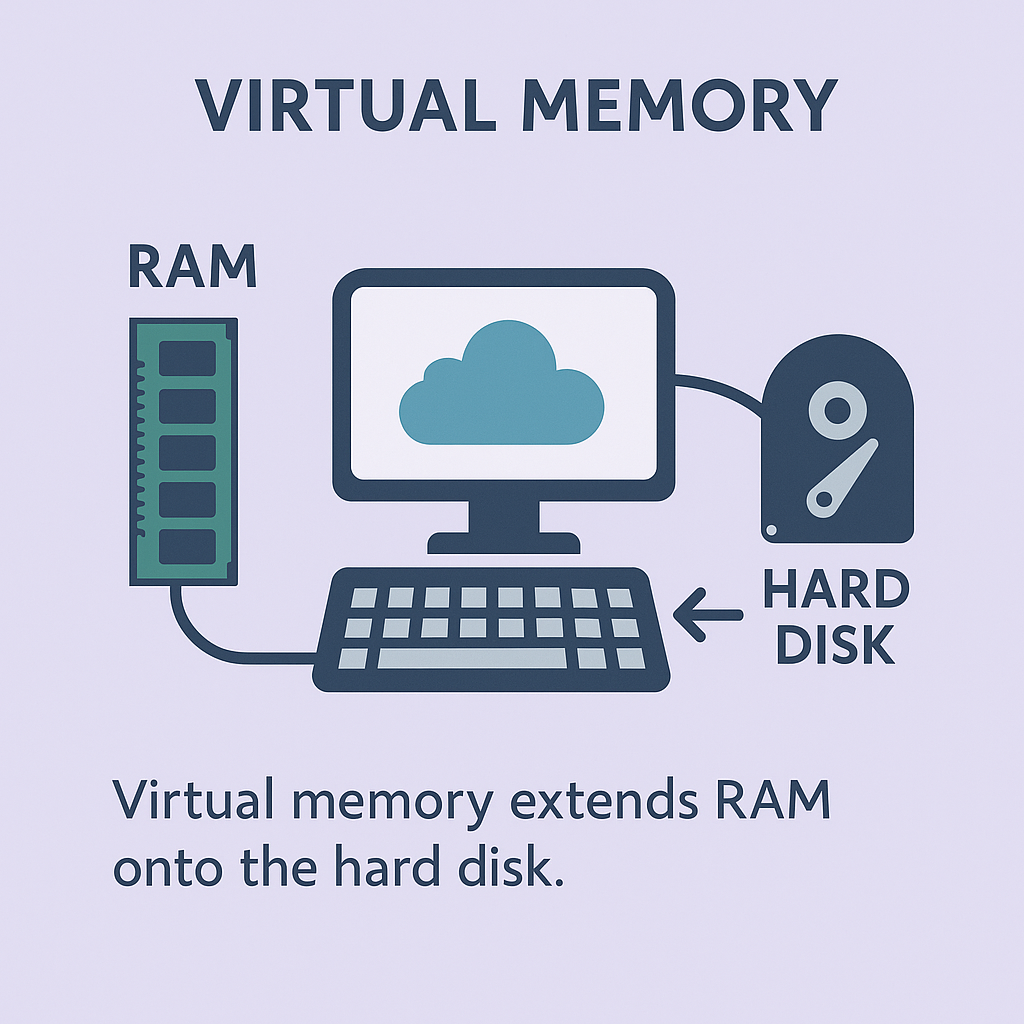
Virtual Memory is when the computer uses a part of the hard disk as RAM.
Used when RAM is full.
9. Important Exam Questions
- Which memory is volatile? → RAM
- Which memory stores booting instructions → ROM
- Fastest memory? → Cache
- SSD full form → Solid State Drive
- HDD full form → Hard Disk Drive
- 1 KB = 1024 Bytes